Introduction
A hero image is the large, prominent image at the top of a page — almost always the first significant thing a visitor sees. Because it sits above the fold and is usually the biggest element on the screen at load time, the browser will most likely flag it as the page's Largest Contentful Paint (LCP) element. Google's Core Web Vitals target LCP under 2.5 seconds; a slow-loading hero directly harms that score.
This example applies techniques from
Tutorial 07: picture & Art Direction
(multi-format fallback via <picture>) and
Tutorial 09: Performance & Loading
(LCP optimisation via fetchpriority) to produce a hero that is both fast and
broadly compatible.
Live demo
The markup below uses a <picture> element with two
<source> elements (AVIF first, then WebP) before the
<img> fallback. The browser reads the sources in order and picks
the first one it can decode. The <img> also carries
fetchpriority="high", which moves the fetch to the front of the browser's
network queue — giving the hero the bandwidth it needs before any below-the-fold content
competes for it.
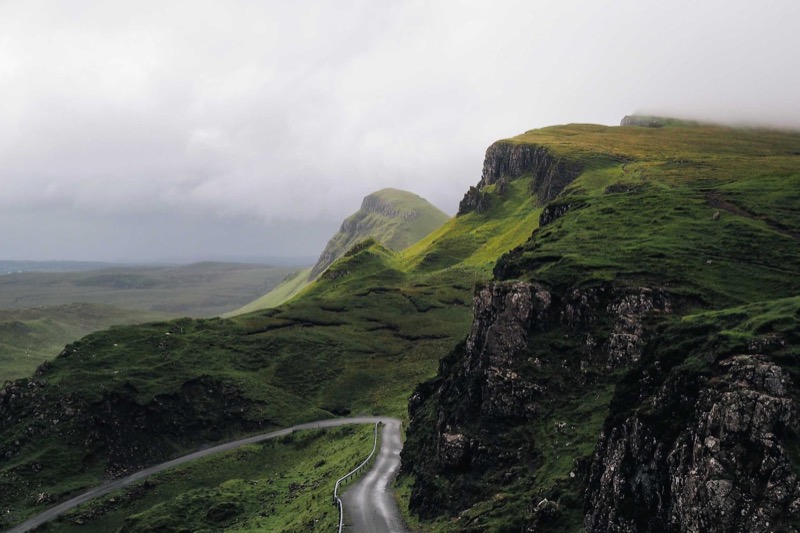
Highland Road
Above the fold — loaded with top priority
Key markup
Here is the essential structure. Notice the source order (most compressed format first),
the explicit dimensions, and the absence of loading="lazy" and
decoding="async".
Why these choices matter
fetchpriority="high" — use at most once
Browsers treat most images with equal priority during the initial resource fetch. When
several images are downloading at the same time, that equality means the hero waits in
line behind thumbnails, sidebar images, and anything else the parser discovered first.
fetchpriority="high" jumps the hero to the front of that queue.
The rule is at most one per page. Marking two or three images
high cancels the benefit — if everything is urgent, nothing is. Apply it
only to the element you have confirmed is the LCP candidate.
No lazy, no async decoding
loading="lazy" defers the network request until the image is near the
viewport. That is the right behaviour for below-the-fold images, but catastrophic for
the hero: it postpones the very fetch you are trying to accelerate, and LCP time
worsens directly.
decoding="async" moves JPEG/WebP/AVIF decompression off the browser's main
thread. For most images that is helpful; for the LCP hero it can delay the moment the
image is painted to screen because the browser may not schedule the decode immediately.
Omit it on the hero so decoding happens on the critical path to first paint.
picture + source order
<picture> lets you offer multiple formats without any server
configuration. The browser reads <source> elements from top to
bottom and picks the first type it can decode. AVIF typically produces
files 30–50% smaller than WebP and 50–70% smaller than JPEG at comparable quality, so
it goes first. WebP is the fallback for browsers that do not support AVIF (Safari below
16, older Chrome on Android). The <img> JPEG is the universal
fallback.